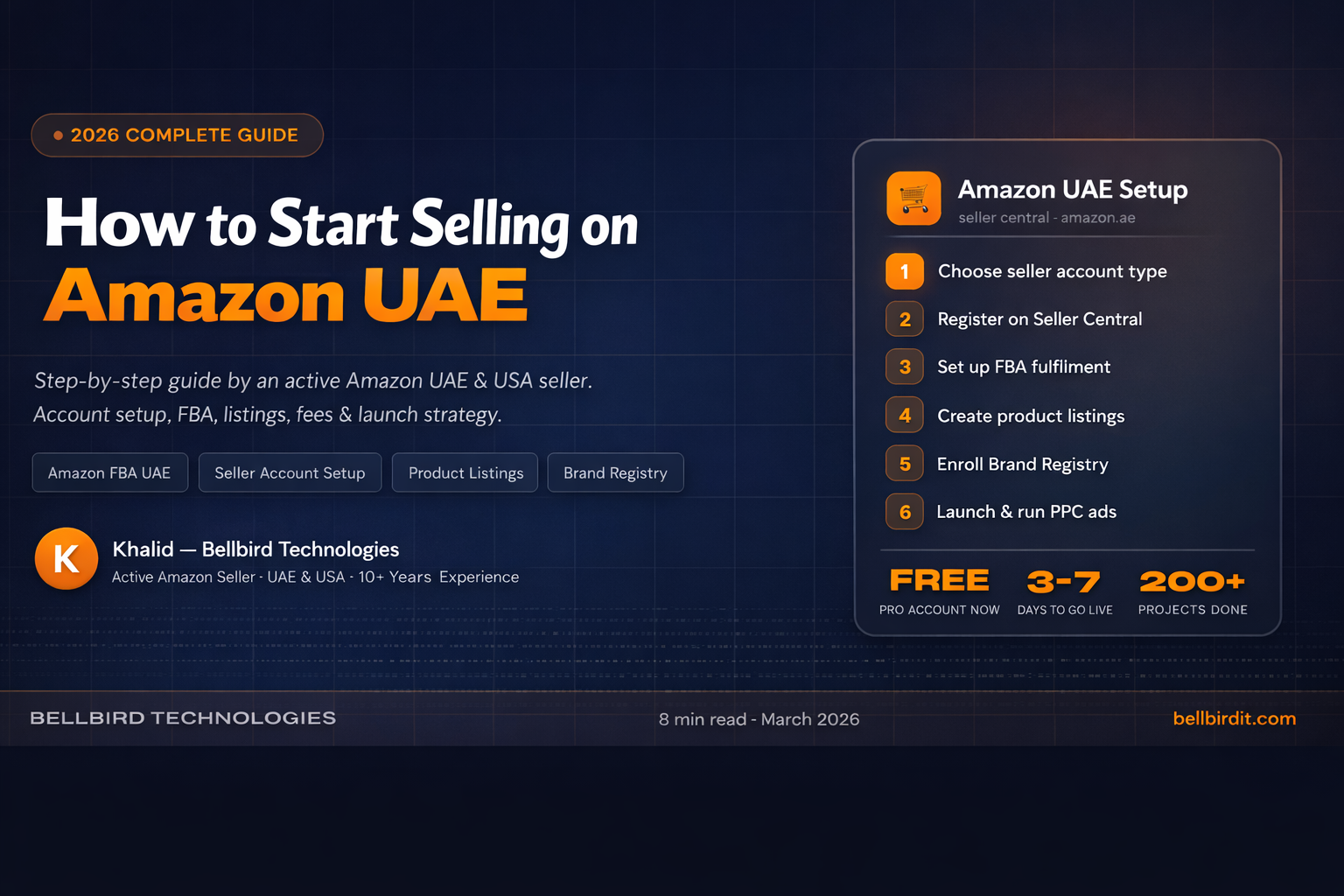
How to Start Selling on Amazon UAE in 2026 — Complete Step-by-Step Guide
Complete guide to selling on Amazon UAE in 2026. Written by an active Amazon UAE seller based in Dubai. Covers account setup, documents, FBA, fees and first steps to your first sale.
If you are a UAE business owner thinking about selling on Amazon, you are asking exactly the right question at exactly the right time.
We know this because we are Amazon UAE sellers ourselves. Bellbird Technologies operates active seller accounts on Amazon.ae — we have been through every step of the setup process, made the mistakes, and learned what actually works. This guide is not theory. It is what we did ourselves.
Here is everything you need to know to start selling on Amazon UAE in 2026.
Why Sell on Amazon UAE in 2026?
UAE shoppers expect premium service at every step — same-day delivery for high-value products is normal. Amazon UAE functions less like a bargain platform and more like a premium digital department store. This means UAE buyers spend more per order than almost any other market in the world.
The opportunity is real and growing. UAE ecommerce is expanding at over 12% annually — and Amazon is the dominant platform. Starting now, before competition increases further, is the smartest move.
What You Need Before You Start
Before creating your Amazon seller account, prepare these documents:
- Valid UAE Trade License
- Emirates ID or Passport
- Bank account details (UAE business account recommended)
- Credit or debit card for the subscription fee
- Mobile number for verification
- Company registration documents (for business accounts)
If you do not have a UAE trade license yet, you need to register your business first. This is a one-time requirement and takes 5–10 business days through any UAE free zone or mainland authority.
Step 1 — Choose Your Seller Account Type
Amazon UAE offers two account types:
Individual Account
- No monthly fee
- AED 3.67 per item sold
- Best for: Testing with fewer than 40 products per month
- Limitation: Cannot run advertising campaigns or access advanced tools
Professional Account
- AED 146.90 per month (currently FREE — Amazon UAE is waiving the monthly fee for a limited promotional period)
- No per-item fee
- Best for: Serious sellers with more than 40 products
- Includes: Advertising, full analytics, bulk listing tools, Brand Registry eligibility
Our recommendation: Register for Professional right now while the monthly fee is waived. This is the best time to start — you get every Professional feature at zero monthly cost. When the promotion ends, the fee returns to AED 146.90/month. At that price it pays for itself after just 4–5 sales and gives you access to all the tools you need to grow.
Step 2 — Create Your Amazon Seller Central Account
Go to sell.amazon.ae and click "Start Selling."
The registration process asks for:
- Business name and address
- Trade license details
- Bank account for receiving payments
- Identity verification — upload your Emirates ID or passport
- A video call verification is required — Amazon calls you to verify your identity live
Common mistake: Many sellers fail verification because their documents do not match exactly. Your trade license name, bank account name, and identity document must all be consistent. One mismatch causes delays of 7–14 days.
Our tip from experience: Prepare all documents in PDF format before you start. Have your phone charged and available for the verification call. The call typically comes within 24–48 hours of submitting your application. Answer it — missing it delays your activation by several days.
Step 3 — Choose Your Fulfilment Method
You have two options for how your orders get delivered to customers:
FBA — Fulfilment by Amazon You send your inventory to Amazon's warehouse in Dubai. Amazon stores, packs, and ships every order. Returns are also handled by Amazon.
- Advantages: Prime badge on your listings, faster delivery, Amazon handles all customer service and returns
- Cost: Storage fees + fulfilment fees per order (approximately AED 8–20 per unit depending on size and weight)
- Important 2026 update: Amazon discontinued FBA prep services — you must now ensure your inventory is properly labelled and prepared before sending to the fulfilment centre. Every unit needs an FNSKU barcode label.
FBM — Fulfilment by Merchant You store inventory yourself and ship each order directly to the customer within Amazon's required delivery timeframe.
- Advantages: Lower fees, full control over packaging and presentation
- Cost: Your own storage and shipping costs
Our recommendation for UAE sellers: Start with FBA. Yes, there are fees — but the Prime badge alone significantly increases your conversion rate. Customers trust Prime delivery. The added cost per unit is almost always recovered through higher sales volume.
Step 4 — Create Your Product Listings
A strong product listing has six components that all work together:
Title Include your main keyword naturally. Keep under 200 characters. Lead with the most important feature. Example: "Neem Wood Cooking Spoon — 42cm, Food Safe, Handcrafted in India, Natural Finish"
Bullet Points Five bullet points covering key features and benefits. Lead every bullet with the benefit, then explain the feature. Write for a customer who is skimming — not reading.
Description Tell the full story of your product. Include materials, dimensions, what is in the box, care instructions, and the story behind it. This is where you build brand connection.
Images Minimum 6 images: main white background shot, lifestyle images, detail close-ups, size comparison, and packaging shot. Your main image must be on a pure white background — this is mandatory per Amazon policy.
Backend Keywords These are invisible to customers but critical for Amazon search ranking. Fill every character of the backend keyword field with relevant search terms. Do not repeat words already in your title.
Price Research your competitors carefully before setting your price. When launching, price 5–10% below the market average to build initial sales velocity and your first reviews. You can raise the price once you have 10+ positive reviews.
Step 5 — Enroll in Amazon Brand Registry
If you have a registered trademark — or even a pending trademark application — enroll in Amazon Brand Registry immediately.
Brand Registry gives you:
- A+ Content (enhanced product descriptions with images and comparison charts)
- Brand analytics and real keyword search data
- Protection from listing hijackers and counterfeiters
- Sponsored Brand advertising (banner ads at the top of search results)
Critical point most sellers miss: You can enroll using a pending trademark application serial number — you do not need to wait for full registration. File your trademark this week and enroll in Brand Registry with the pending number immediately after. We help our clients do this as part of the setup process.
Step 6 — Launch Strategy — Your First 30 Days
The biggest mistake new Amazon UAE sellers make is listing their products and waiting for sales to come. They will not come on their own. You need to actively generate your first sales and reviews.
Here is the 30-day launch plan we use for our own products:
Days 1–7: Set your price 10–15% below market average. Launch Sponsored Products PPC ads at an aggressive daily budget — AED 50–100/day. This buys you visibility while you have zero reviews. Without reviews, organic ranking takes months. PPC bridges that gap.
Days 8–14: Follow up with every buyer using Amazon's built-in "Request a Review" button in Seller Central. Do not ask for positive reviews specifically — simply request an honest review. This is compliant with Amazon's terms of service. Asking outside this system is a policy violation.
Days 15–30: Analyse your PPC campaign data. Identify which keywords are spending without converting — pause them. Increase bids on keywords that are converting well. Review your listing and improve anything that looks weak compared to competitors. Adjust your price if conversion rate is below 10%.
Target: 10–15 genuine reviews in your first 30 days. Once you cross 10 reviews, your conversion rate improves significantly and organic ranking begins building on its own.
What Does It Actually Cost to Sell on Amazon UAE?
Here is a realistic and honest cost breakdown for a new Amazon UAE seller:
| Cost Item | Amount |
|---|---|
| Professional seller account | Currently FREE (normally AED 146.90/month) |
| FBA storage fees | AED 2–5 per unit per month |
| FBA fulfilment fee | AED 8–20 per unit |
| Amazon referral fee | 8–15% of sale price (varies by category) |
| PPC advertising budget | AED 1,500–3,000/month recommended at launch |
| Initial inventory (100 units) | Depends entirely on your product |
Plan for Amazon fees (referral + FBA) to take approximately 25–35% of your revenue. This is the cost of accessing Amazon's massive customer base and logistics network. Factor this into your pricing calculation before you even source your first product — do not discover the margin problem after you have 500 units in a warehouse.
The Fastest Way to Get Started
Setting up your Amazon UAE account correctly from day one saves weeks of delays and avoids the most common costly mistakes.
At Bellbird Technologies, we handle the complete setup process — account creation, document verification, FBA configuration, FNSKU labelling, product listings, Brand Registry enrollment, and PPC launch. We are active Amazon UAE and USA sellers ourselves. We do not advise from a manual — we advise from what we do every single day.
Our Amazon Setup packages start from AED 2,500.
Contact us for a free 30-minute consultation →
Frequently Asked Questions
Can a non-UAE resident sell on Amazon UAE? Yes — but you need a UAE trade license and UAE bank account. We help international entrepreneurs set up the right UAE business entity before launching on Amazon.ae. Contact us to discuss your specific situation.
How long does Amazon UAE seller account verification take? Typically 3–7 business days if all documents are correct and consistent. Mismatched documents cause delays of 1–3 weeks. Getting this right the first time is the single biggest time-saver in the setup process.
Is Amazon UAE profitable in 2026? Yes — UAE buyers spend significantly more per order than most global markets. Categories performing best include premium lifestyle products, wellness, kitchen and home, and smart home technology — reflecting the local preference for quality over price.
Do I need a UAE trade license to sell on Amazon UAE? Yes. Amazon UAE requires a valid UAE trade license for business seller accounts. Contact us if you need guidance on the right license type for your products.
What is the difference between Amazon UAE and Amazon KSA? Amazon UAE (Amazon.ae) and Amazon KSA (Amazon.sa) are separate marketplaces with separate seller accounts. KSA has additional requirements including SABER product certification and Arabic labelling. We set up both as part of our Gulf region packages.
Can I sell on Amazon UAE and Amazon USA with the same account? No — they are separate accounts. Amazon UAE is managed through your UAE seller account. Amazon USA requires a separate registration, ideally through a US legal entity such as a Wyoming LLC. We handle both setups for UAE-based sellers wanting to go global.
Written by Khalid — Founder, Bellbird Technologies. Active Amazon seller in UAE and USA. Running outdoorgear.ae with 4,000+ products live on UAE marketplaces.
Related reading: Amazon Store Setup Service → | Noon vs Amazon UAE — Full Comparison → | Ecommerce Website Cost in Dubai →